
Video maker
Transform your static images into dynamic zoom and pan videos for Instagram Reels, TikTok, or even YouTube!
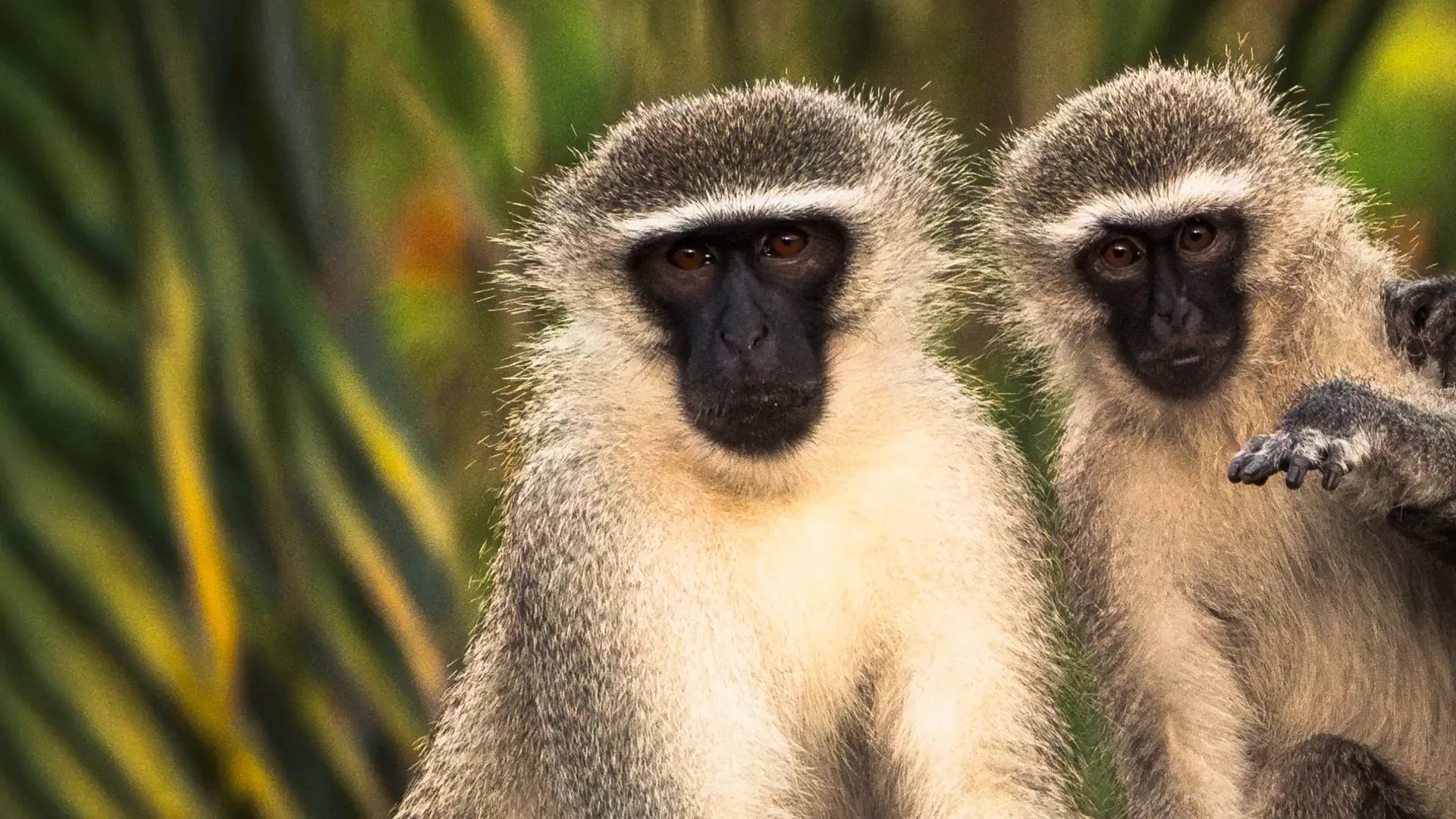
Add motion to your photos
In a world dominated by video, it can be hard to make your static images stand out. Using Photospec, you can animate your images with zoom and pan controls.
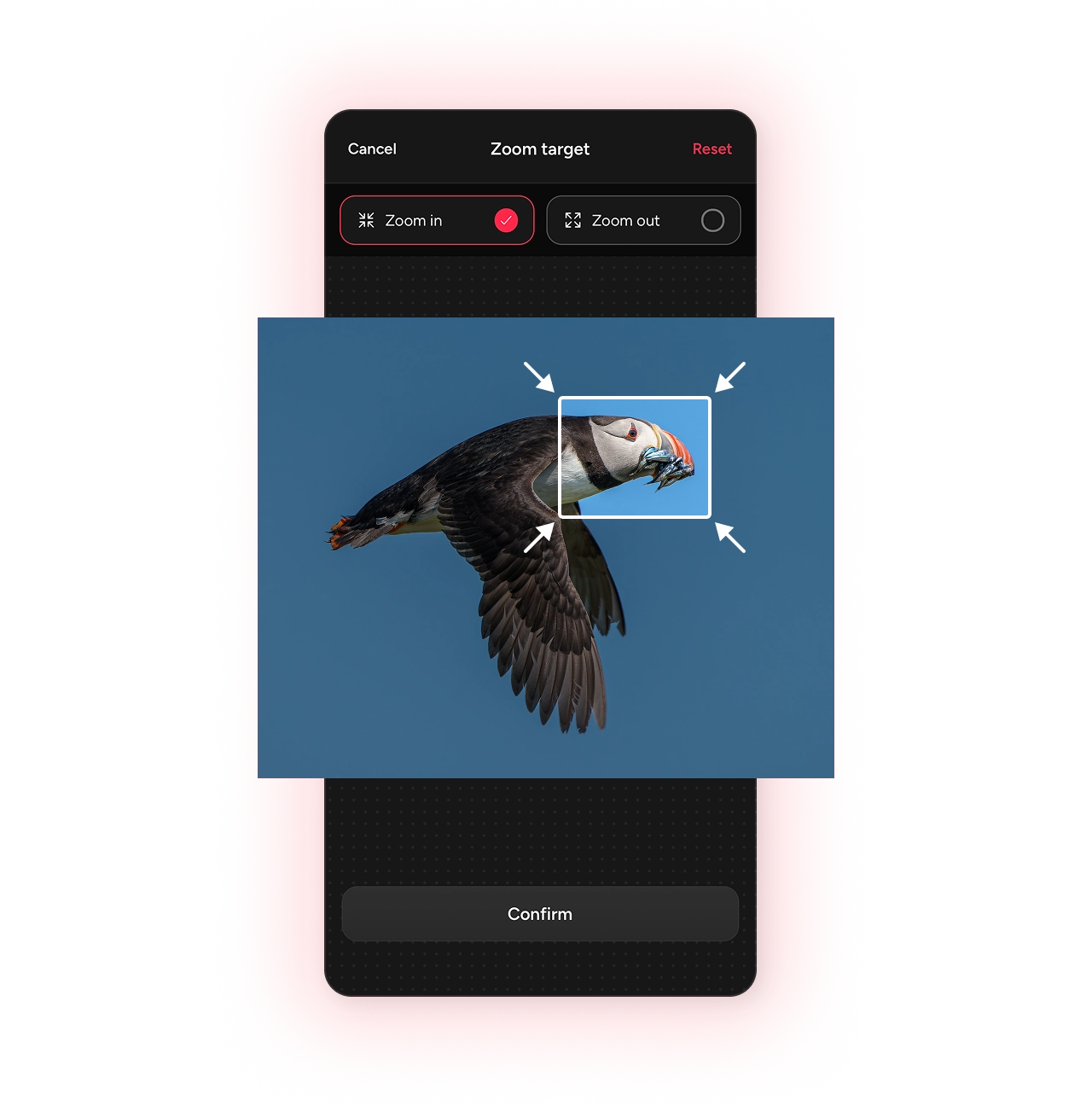
Zoom
Pull the viewer in, or let them step back,
adding depth and drama to a single frame. Set the start and end framing, and Photospec interpolates the move.- Zoom in to emphasise your subject
- Zoom out to reveal the wider scene
- Set your focus point, and let Photospec do the rest
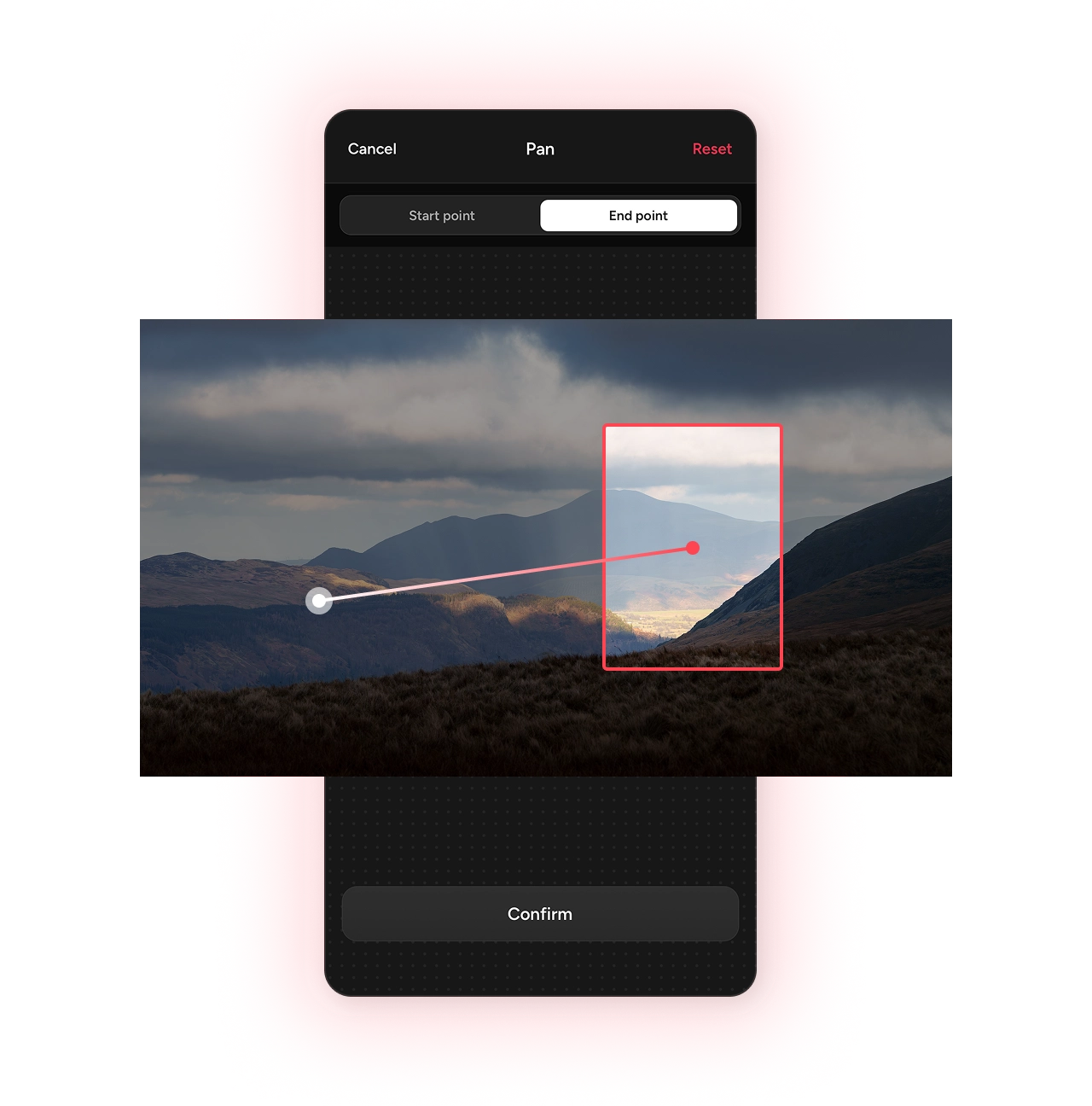
Pan
Glide across the scene,
guiding the eye from one side of the frame to the other, whether that means revealing something hidden, building a sense of motion, or simply telling a story.- Pick your start and end point in any direction
- Take the viewer on a journey through the scene
- Photospec smooths the motion between your two points
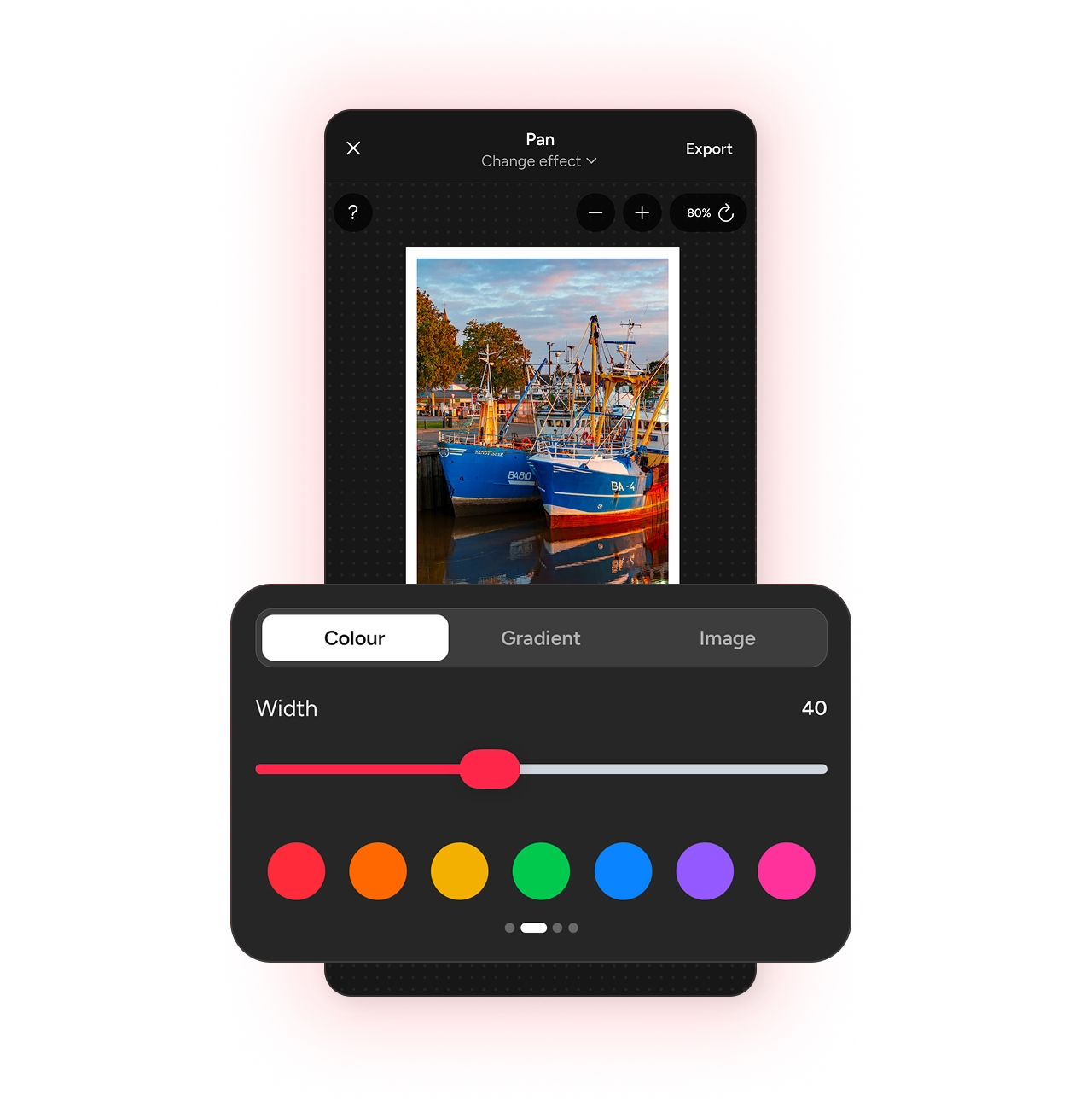
Style options
Your stills and your videos speak the same visual language,
with templates, borders, and details carrying over automatically, so nothing feels out of place in your feed.- Border widths, keylines, and colours
- Smooth off your image corners
- Different ratios for different platforms
Editing controls
Fine tune the motion
Photospec gives you control over how the video looks and feels, without being over-complicated.
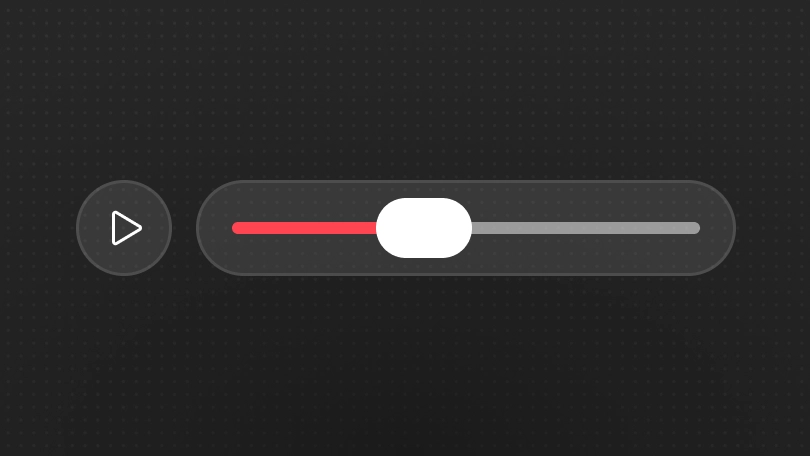
Set the duration
Create videos from 1 to 15 seconds long. Keep it short for snappy cuts, or set it to something longer for a smoother, gentle transition.
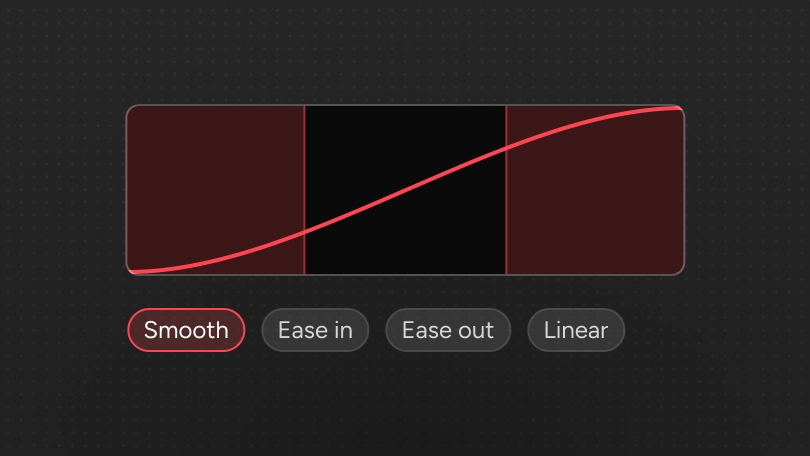
Custom easing
Choose an easing option and then configure the duration of the ease. The built-in preview helps you tweak the values to be exactly what you want.
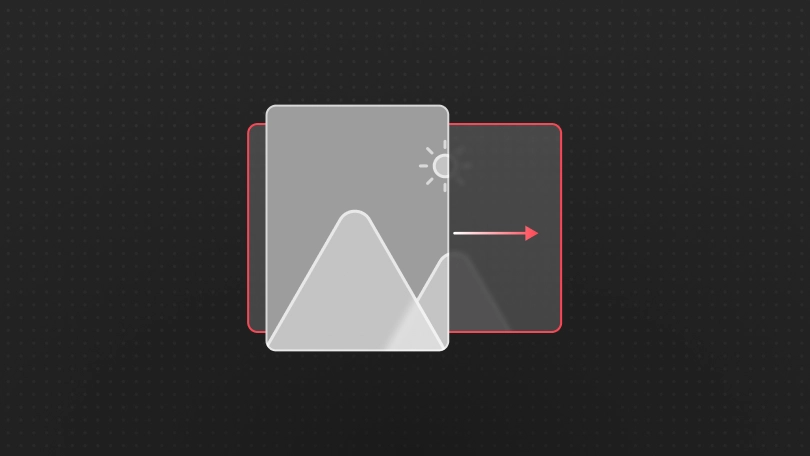
Direction
Zoom in or out, or choose your pan start and end points. Photospec fills in the gaps making it easy to create something great, quickly & easily.
Learn more about Photospec
Photospec helps you create a range of creative assets for your social posts. Here are some more features you may be interested in.
View all features

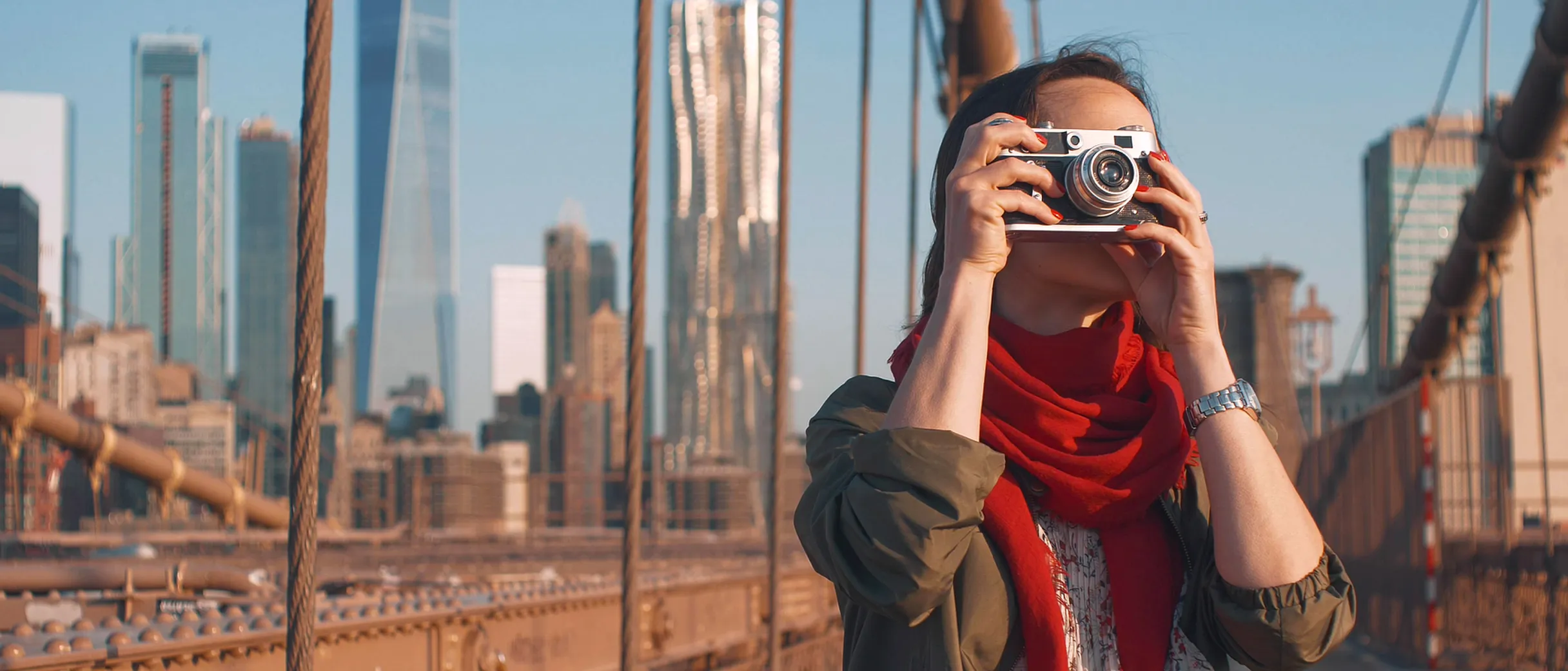
Stay focused on the photography
Keep your eye on the shot, not the algorithm. Photospec adds the motion once you’re back home, working from the stills you’ve already taken.
Frequently asked questions
Everything you need to know about the video maker.
No. It starts from a single still photo. Photospec adds the movement — a zoom or a pan — and exports the result as a video file.
Two templates. Zoom pushes in to emphasise your subject or pulls out to reveal the wider scene. Pan glides across the frame, which suits landscapes and panoramas that do not fit a single vertical crop. You set the start and end framing and Photospec interpolates the move.
Yes. Set the clip duration to match where you are posting, customize the easing, and pick the direction the zoom or pan travels.
You choose. Export from standard up to full resolution, and pick the frame rate — a higher FPS gives noticeably smoother motion, at the cost of a larger file.
The video maker currently supports borders, but not detail overlays. The image generation action is the right tool for that, and you can export a still with borders and details, then use it as the start or end frame of your video.
Anywhere that favours video over stills — Reels, Stories, TikTok, and YouTube Shorts. A still photo given motion tends to hold attention longer than the same image posted flat.

Ready to try the video maker?
Download Photospec on iOS or Android.