Image generation
Easily add borders, or overlay camera settings. The image generation action helps you quickly create additional slides for your social media posts.

Start with a beautiful template
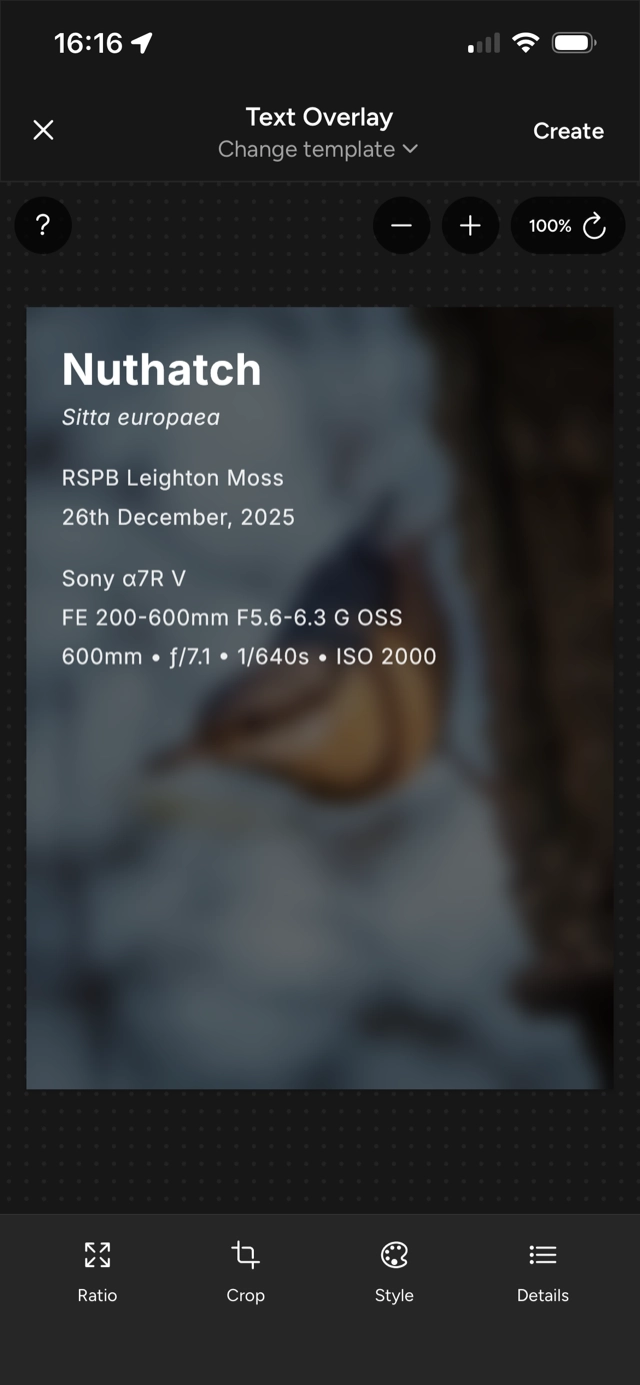
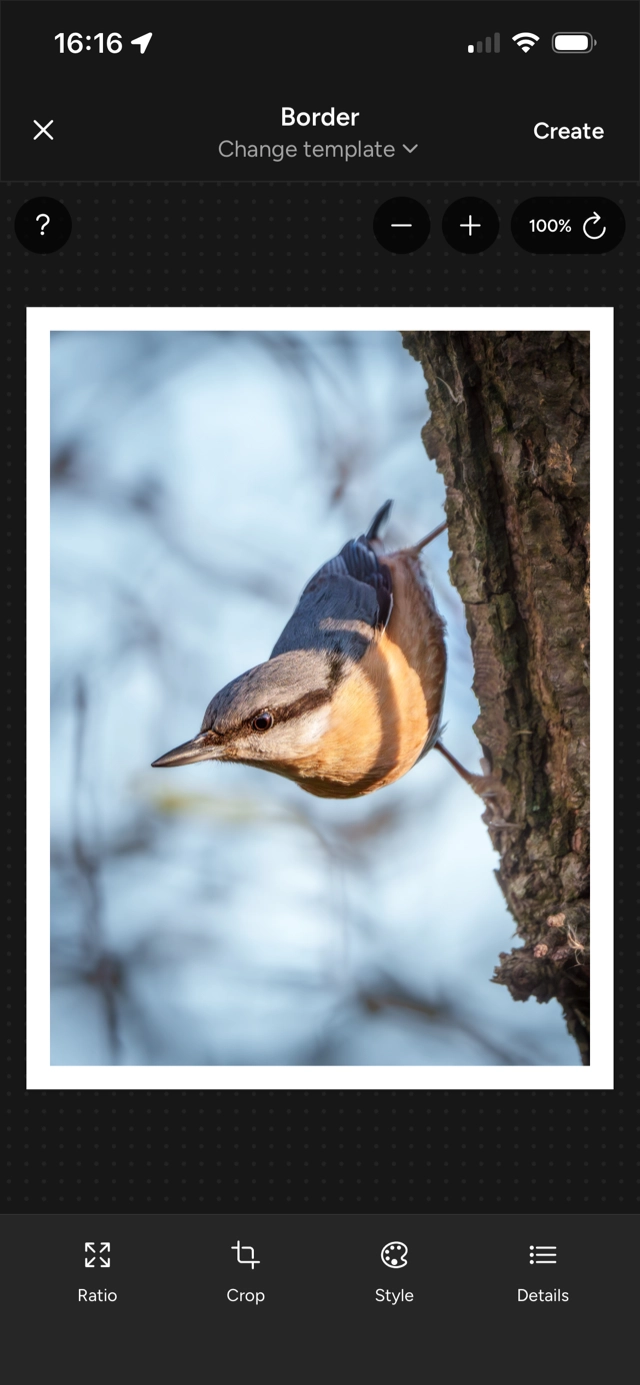
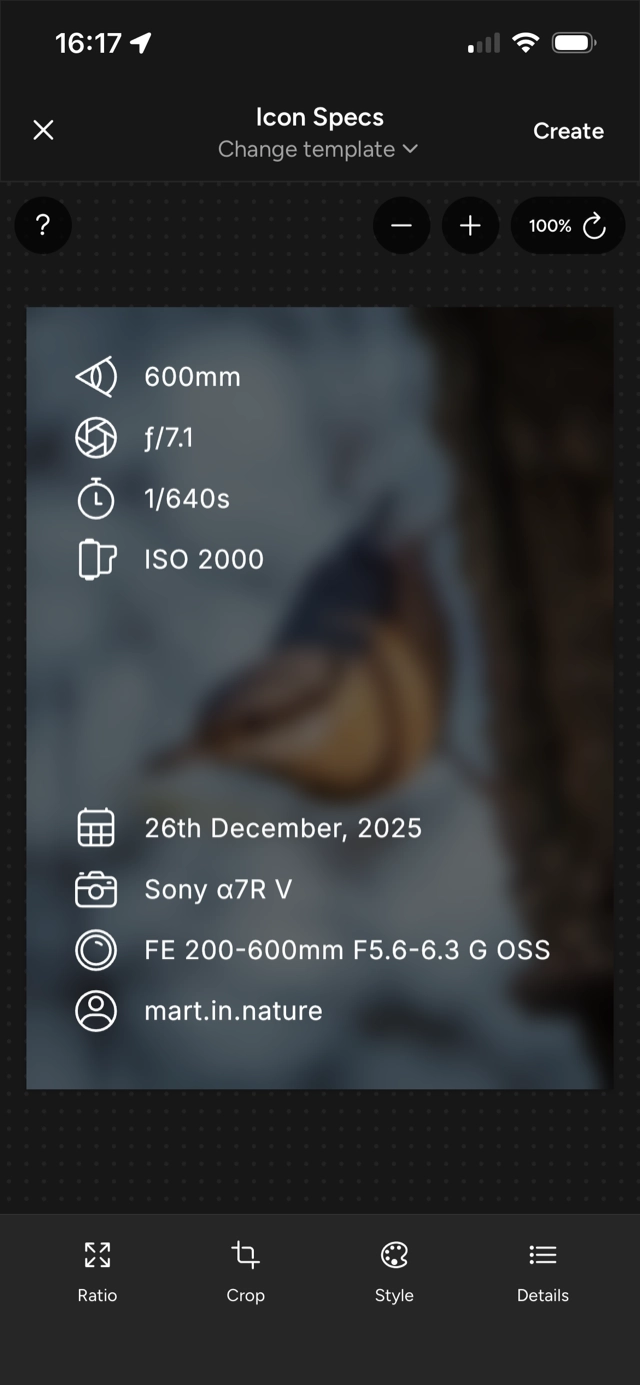
Pick from a growing library of professionally designed templates. Quickly add a border, tell more of the story with a title and camera settings overlaid, or keep it simple with some basic EXIF stats.
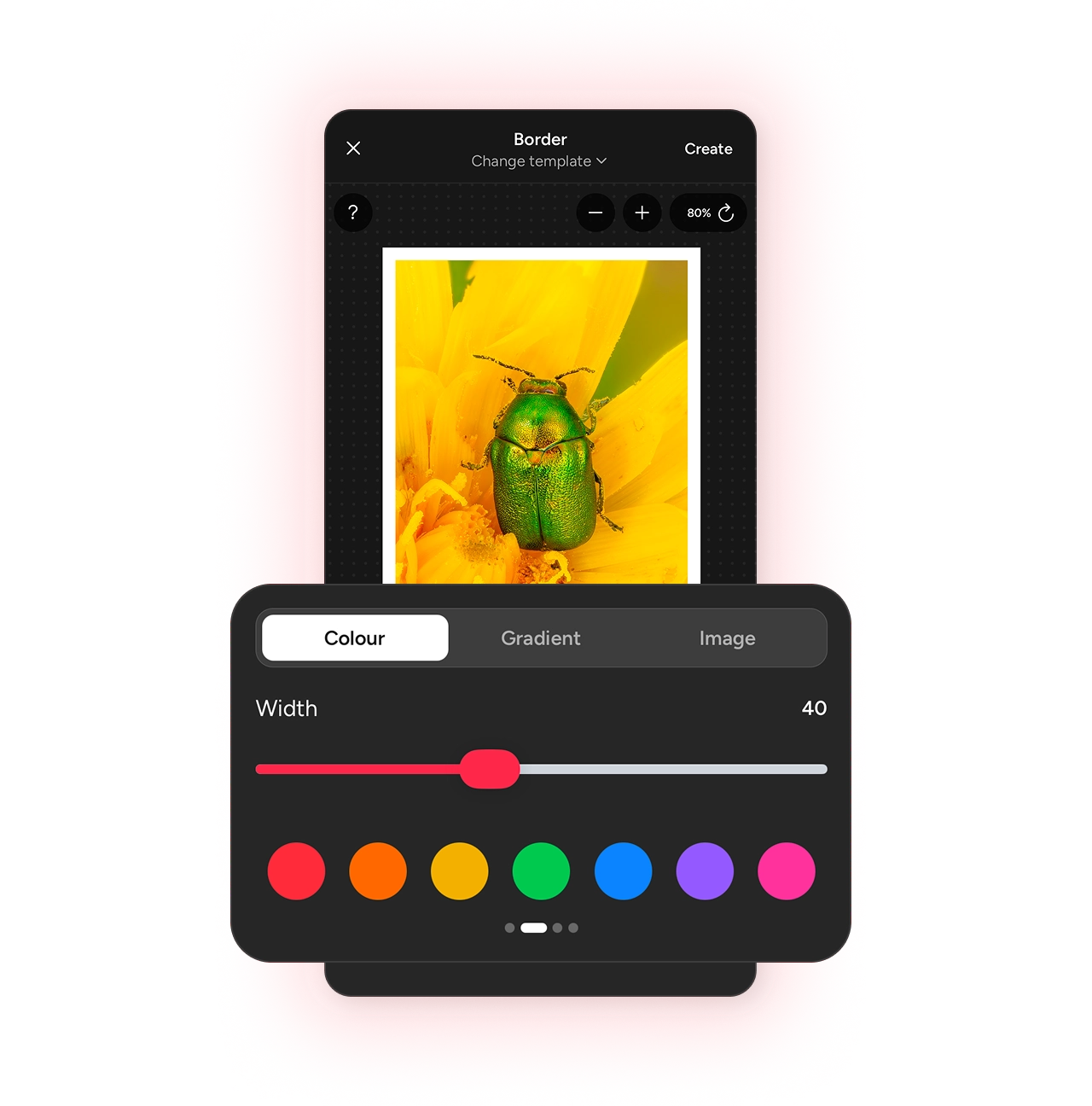
Style options
The style tab adapts to the template you’ve selected,
giving you border colours and widths, caption text styles, and alternative layouts or spacing to fine-tune the image.- Multiple border colours and widths
- Clean text styles for captions and credits
- Select alternative layouts & spacing options
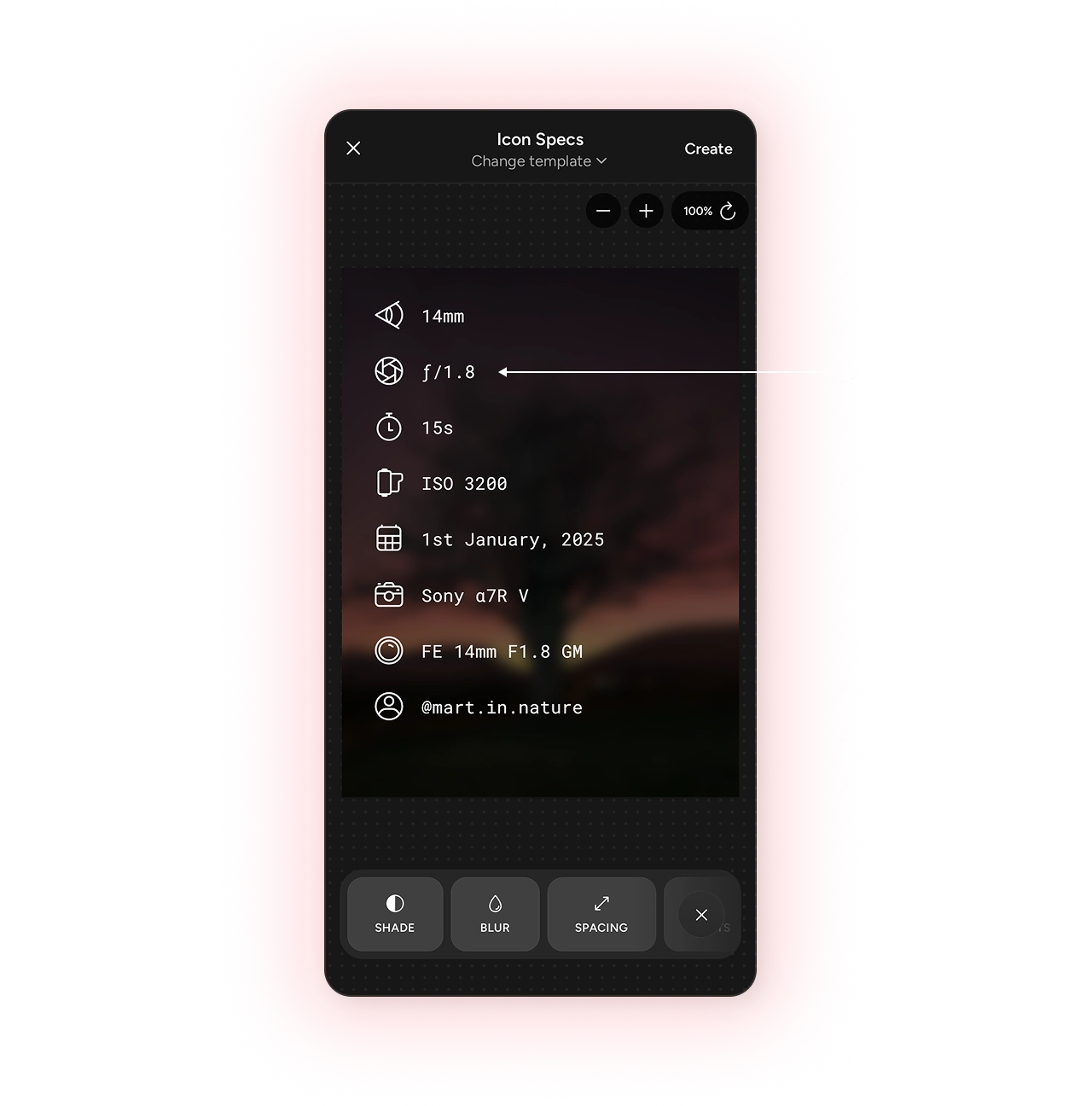
Customisable details
The details that matter are already in your photo,
so Photospec reads the camera, lens, and EXIF data automatically, turns it into a clean overlay, and lets you choose exactly what appears.- Automatic camera, lens and exposure details
- Add titles, species, location, and creator information
- Toggle any detail on or off
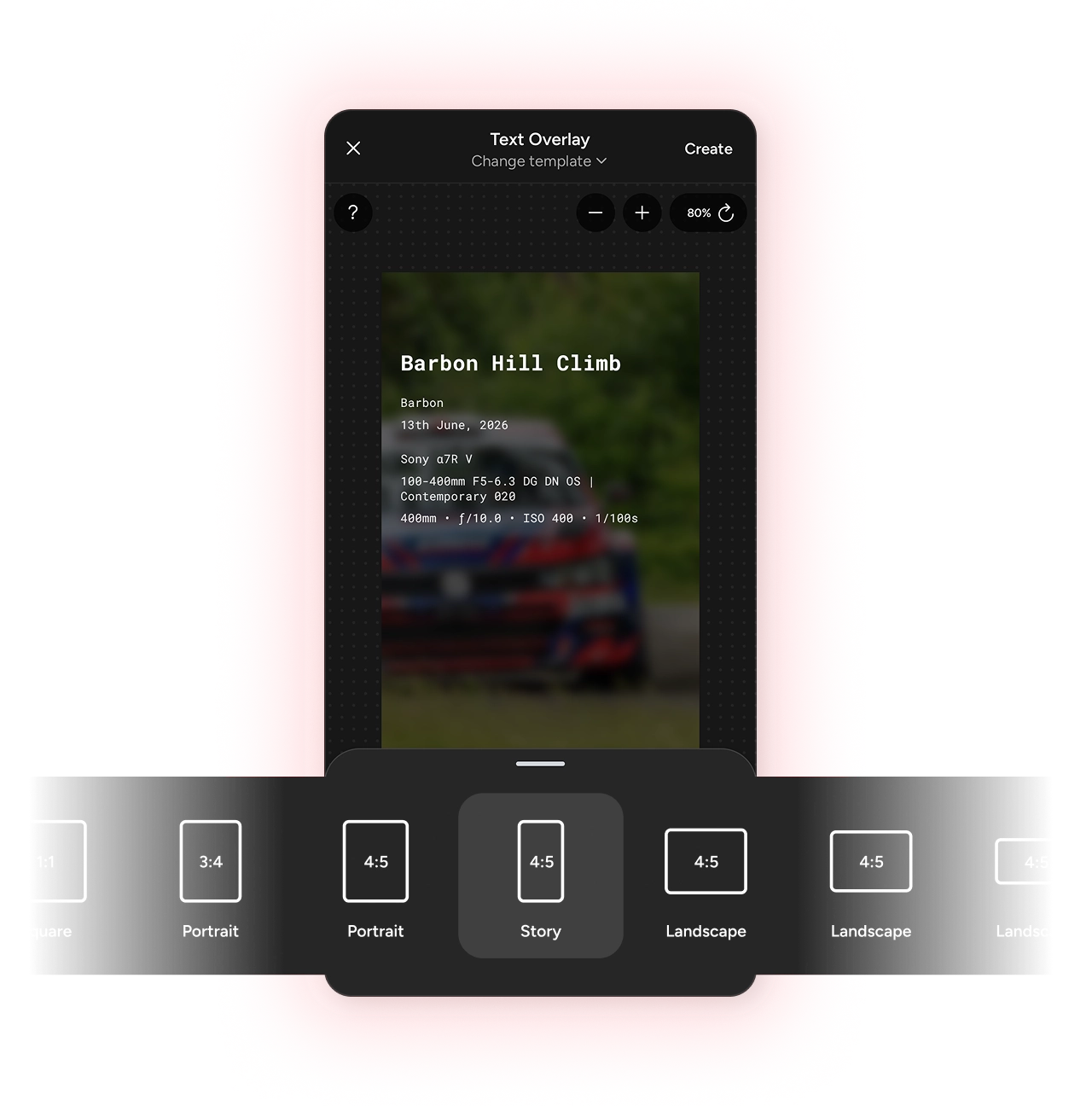
Aspect ratios
Switch up the size for any social platform,
so a story fits Instagram, a carousel fits Threads, and a video fits X, all from the same original image.- Switch between ratios instantly, without re-editing
- Includes presets like 1:1, 3:4, and 9:16
- Same photo, ready for every platform you post to
Learn more about Photospec
Photospec helps you create a range of creative assets for your social posts. Here are some more features you may be interested in.
View all features

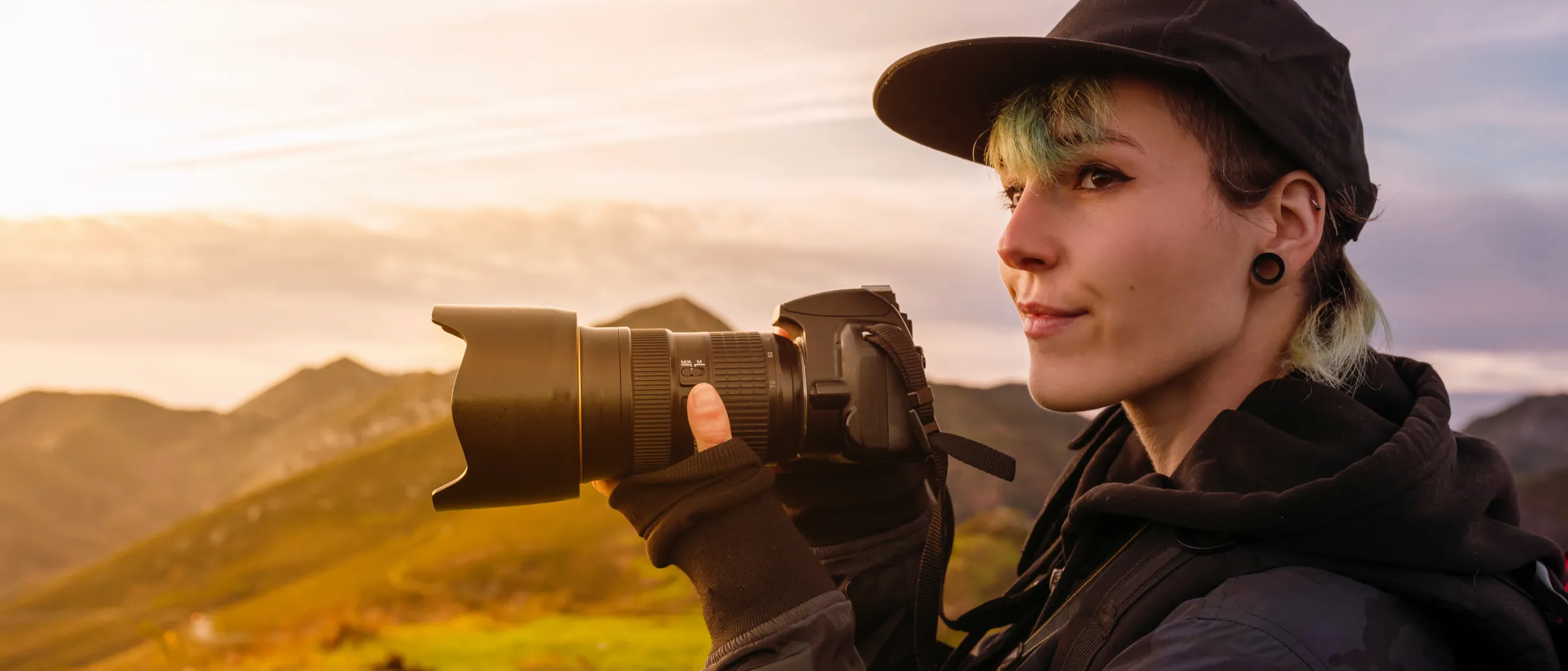
Focus on the important things
Save your final image once, then use it however you need. Create a seamless carousel, a cinematic pan or zoom video, or add borders and EXIF data at the right aspect ratio for each platform.
Frequently asked questions
Everything you need to know about the image generation.
It turns one photo into a finished post. Pick a template, and Photospec wraps your image in a border and overlays the details that matter — the camera and lens you shot on, a title, or your name — then exports it ready to share.
From the EXIF metadata already embedded in your photo file. Photospec reads the camera body, lens, focal length, aperture, shutter speed, and ISO automatically, so there is nothing to type in.
Some photos arrive with their EXIF stripped — screenshots, scans, or images that have been through a messaging app. You can toggle any missing detail off so it does not appear, alternatively, you can add any missing details manually, such as the camera model, lens, or your name.
Yes. Every detail is a toggle, so you can show a full spec block on one image and just a title on the next. The style tab then adapts to the template you have picked, giving you border colours and widths, text styles, and alternative layouts.
Yes. Switch aspect ratio at any point without re-editing — presets include 1:1, 4:5, 3:4, 9:16, and 16:9 — and re-crop so your subject stays centred in each one.
Photospec has been built to make the image preparation quick and easy. The templates are designed to look great with minimal effort, but you can change the border widths, colours, and corner radius, and choose from a range of text styles. You can also save your own style presets for future use.

Ready to try the image generation?
Download Photospec on iOS or Android.