Carousel maker
Split a wide image into seamless, perfectly aligned slides for edge-to-edge social media carousels.

For landscapes or panos
The carousel maker is perfect for landscape photos and panoramas. While not every image fits a portrait crop, social media often pushes for it. By using multiple slides, the carousel maker lets you display wide shots and emphasise details.
For landscapes or panos
The carousel maker is perfect for landscape photos and panoramas. While not every image fits a portrait crop, social media often pushes for it. By using multiple slides, the carousel maker lets you display wide shots and emphasise details.
Multiple slides
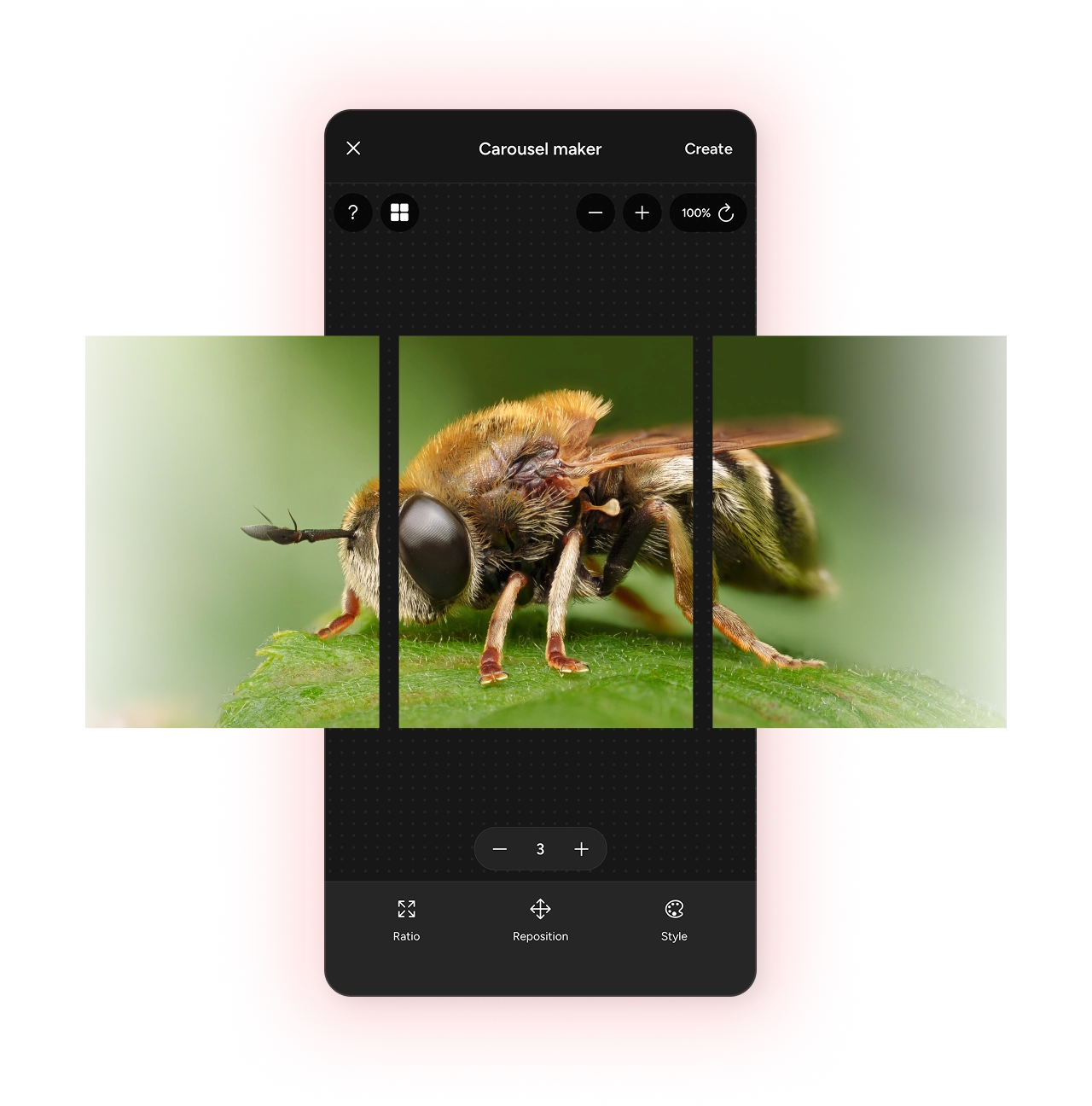
Super-wide or just wide enough,
with full control over the number of slides and positioning of your image you can ensure a perfect crop.- Slice your image up to 5 slides
- Reposition your image for the best crop
- Exports without any gaps for a seamless transition
Custom borders
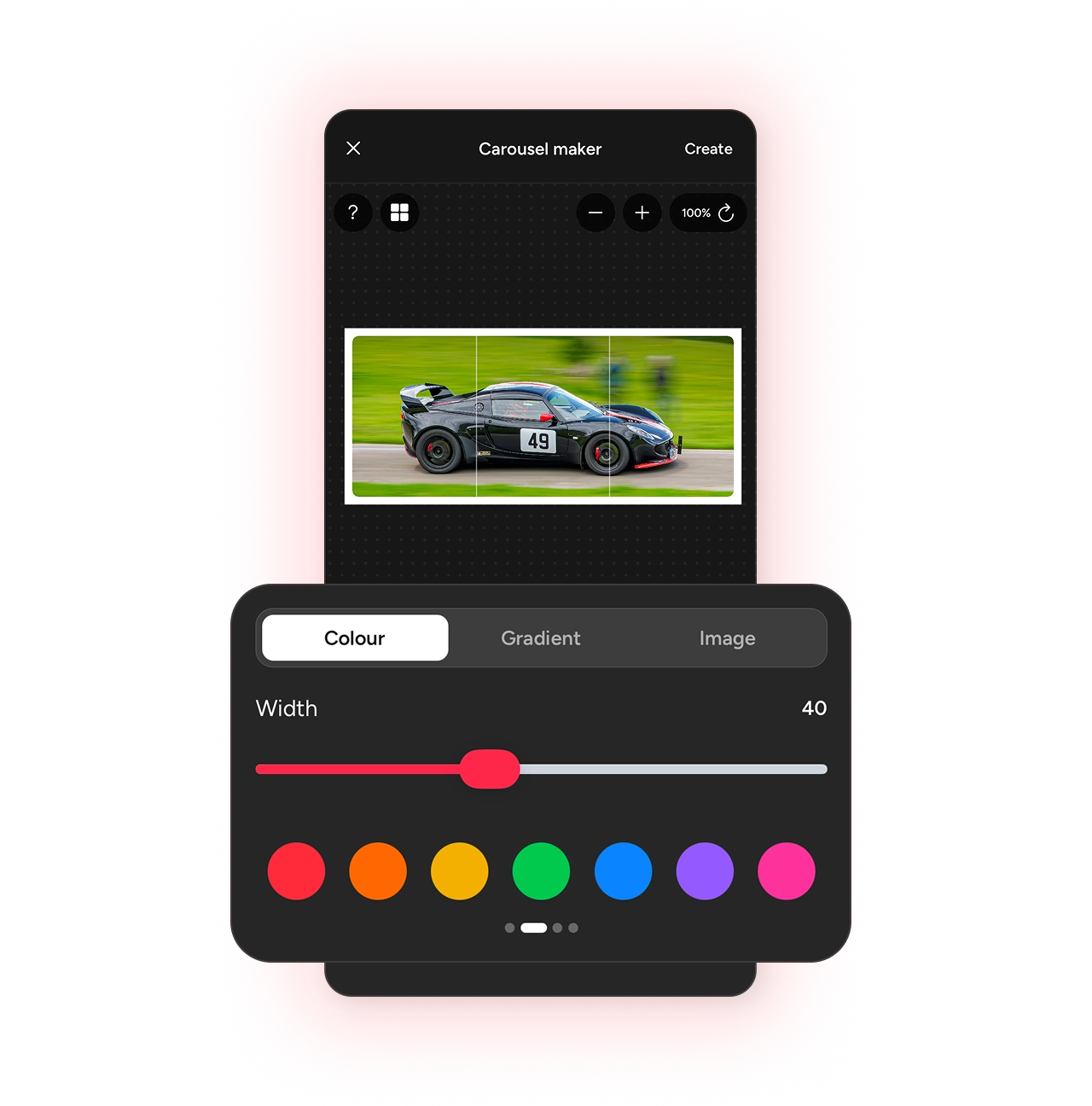
Frame your carousel image with a custom border,
either keep it clean with black or white, or pick a vibrant colour.- Border widths, keylines, and colours
- Smooth off your image corners
- Different ratios for different platforms
Carousels for Instagram
Quickly make Instagram-ready carousels
Carousels look especially good on Instagram or Threads. Photospec helps you create them quickly and easily without having to mess about in more complex programs like Photoshop or Canva.

photospec.app
The Lake District
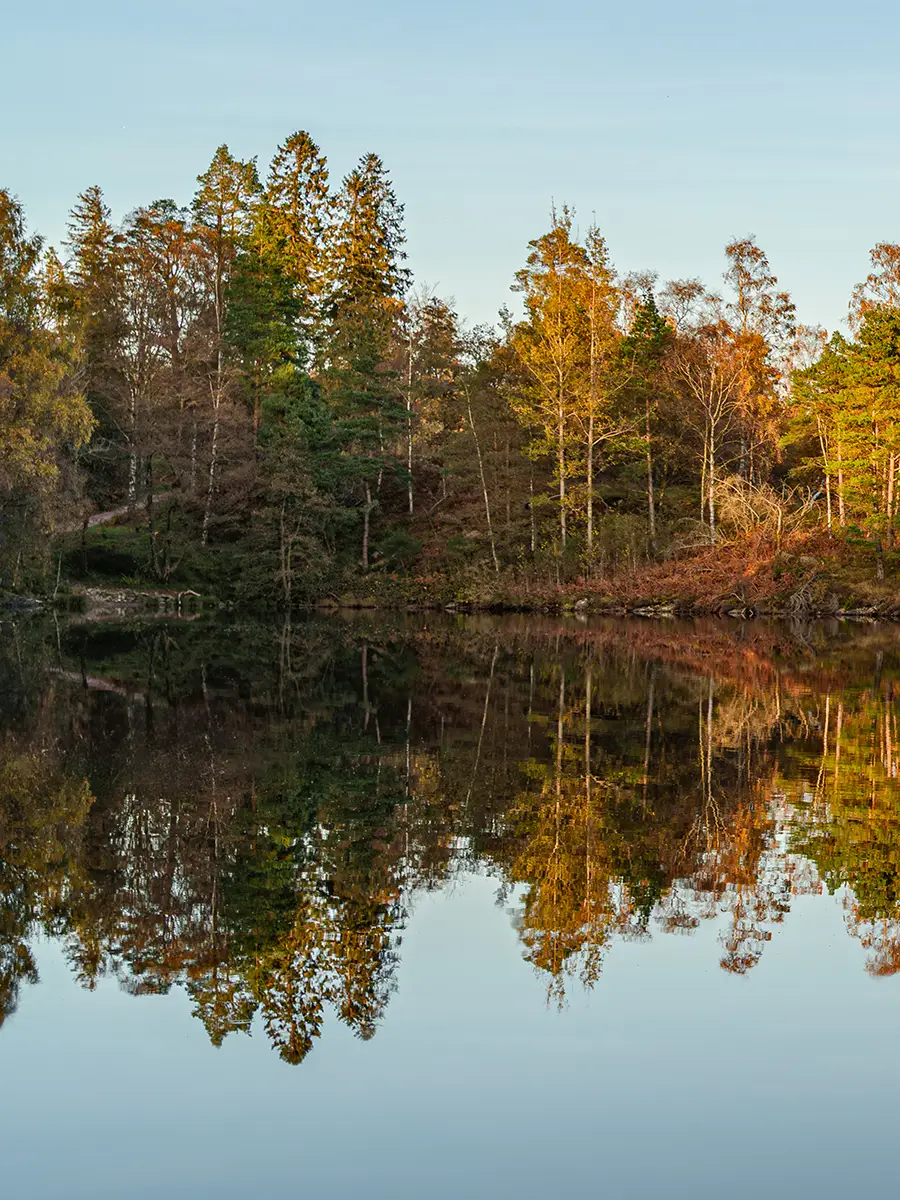

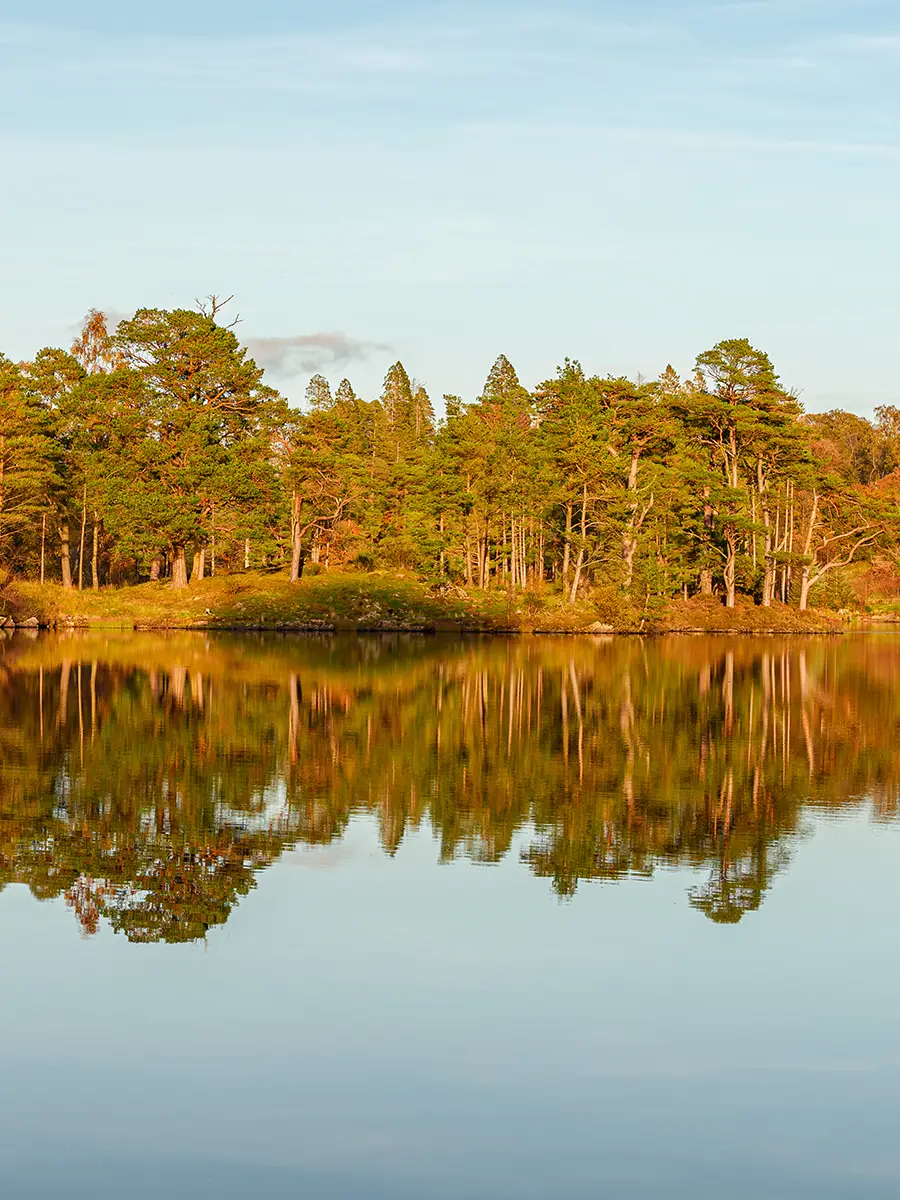
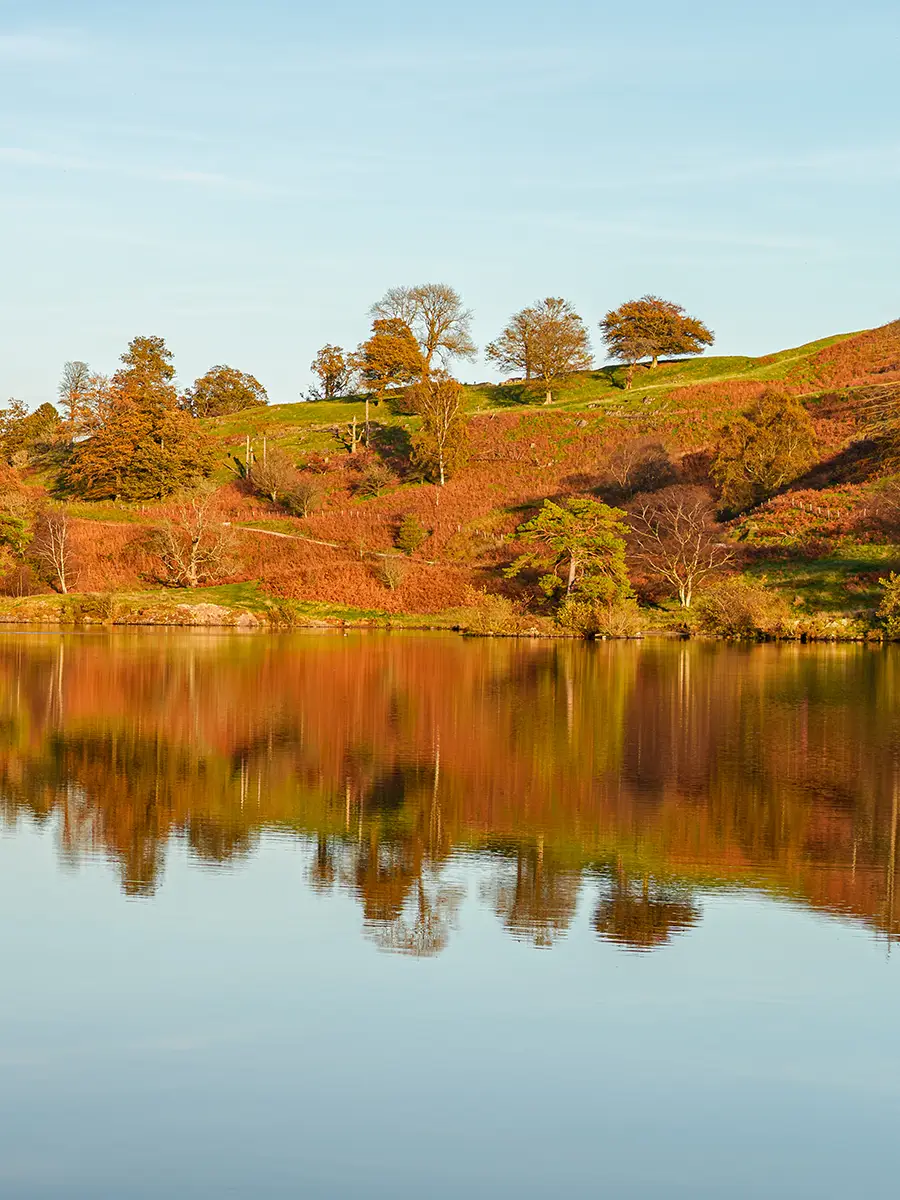
photospec.app Carousel created with Photospec.
Learn more about Photospec
Photospec helps you create a range of creative assets for your social posts. Here are some more features you may be interested in.
View all features
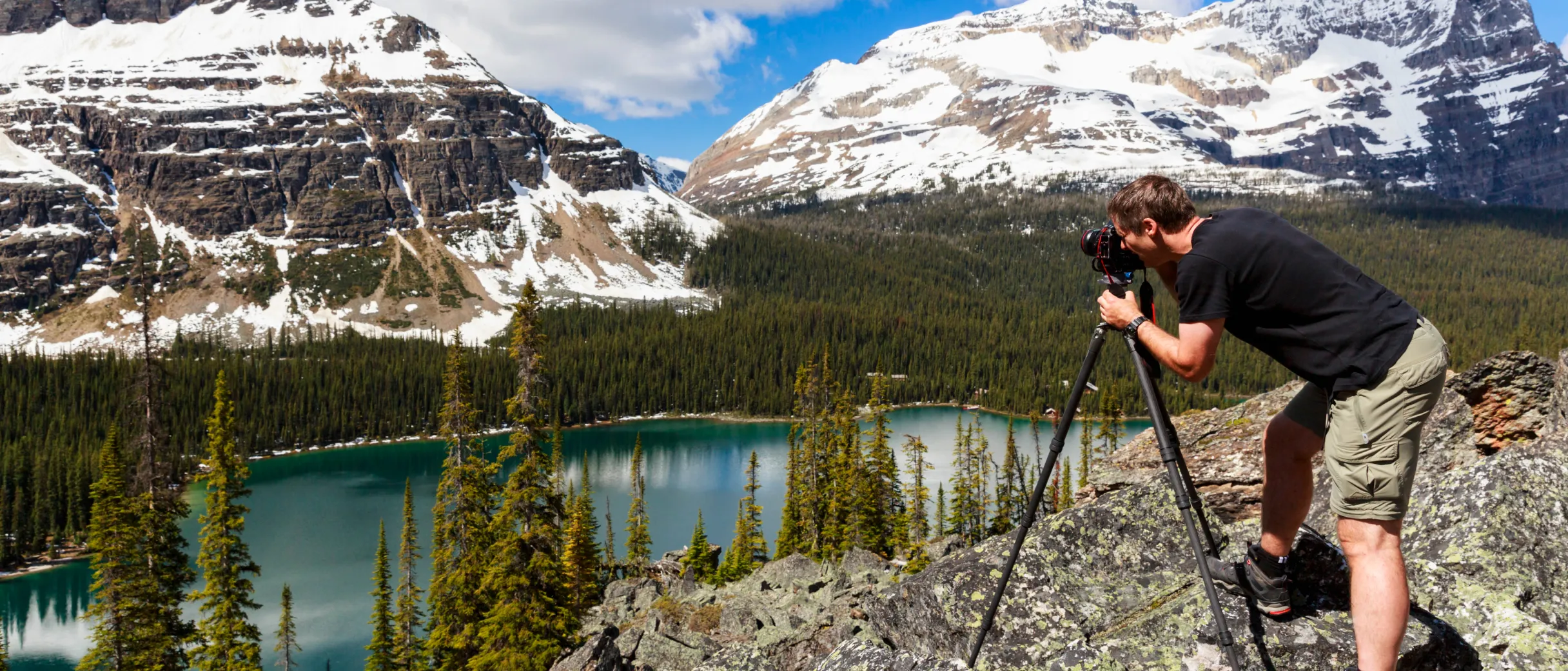
Fall in love with landscape again
Social media favours portrait images as they appear larger on feeds. Using carousels, you can keep those larger images and show your full landscape image over multiple slides. It also helps you show more details.
Frequently asked questions
Everything you need to know about the carousel maker.
Up to five. Photospec slices your image evenly across the slides you choose, and you can reposition the image beforehand to get the crop you want.
No. The slices are exported edge to edge with no gaps, so swiping through the carousel reads as one continuous image rather than separate photos.
Not at all. Any image works — a standard 3:2 landscape frame split across two or three slides is one of the most effective ways to use it. You could even use a portrait image and use the carousel maker to zoom in on the details across multiple slides.
Because feeds favour portrait. A wide image posted flat sits small on the screen, while the same image split across portrait slides fills the feed and gives viewers a reason to swipe — and lets them see detail they would otherwise miss.
Yes. You can set border widths, keylines, and colours, and soften the image corners. Keep it clean with black or white, or pick a colour that matches your feed.
Photospec exports each slide as a separate image in sequence. Depending on your device, you'll need to add them in the same or reverse order as they appear in your photo library.
Instagram and Threads are the natural fit, since both display multi-image posts as a swipeable set. You can export at the aspect ratio each one suits best.

Ready to try the carousel maker?
Download Photospec on iOS or Android.